

How to generate an AI Mind Map
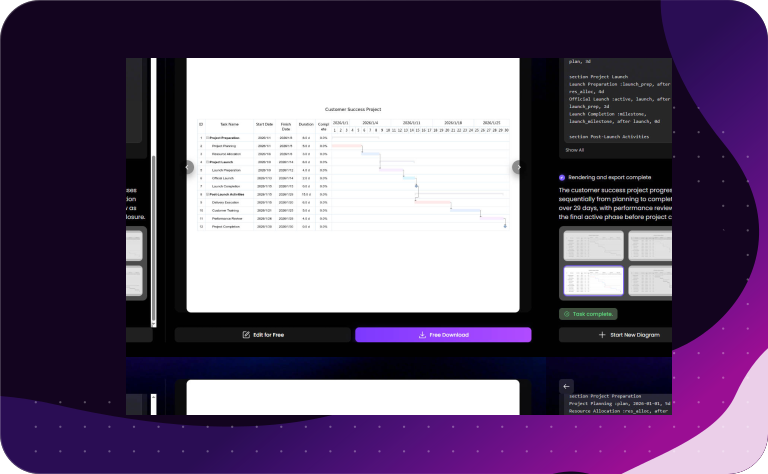
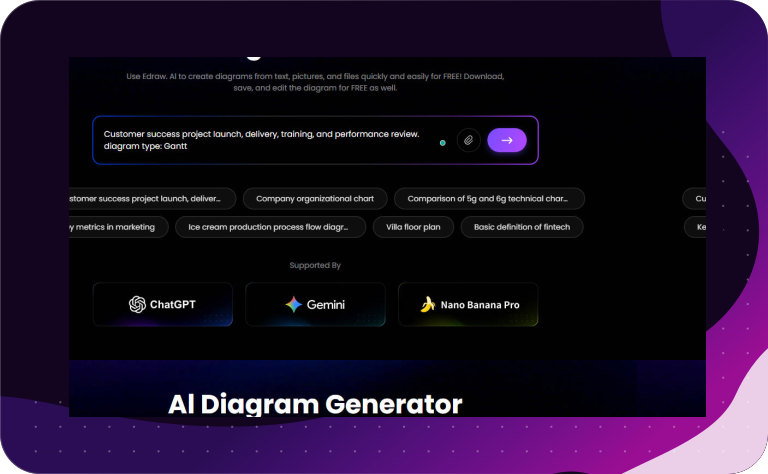
More Prompts to make an Mind Map

What Diagrams/Graphs Can Edraw.AI Make
FAQs About Edraw.AI Mind Map Maker
Can I edit an AI-generated mind map?

Yes, you have full control over the final result. Most AI mind mapping tools allow you to add, delete, or rearrange branches manually. You can also change colors, fonts, and styles to suit your preferences. The AI provides a strong foundation, but you can refine it to perfection.
Can AI transform long documents into mind maps?
Absolutely. Many advanced AI mind mapping tools can analyze lengthy PDFs, articles, or meeting notes and summarize them into a structured visual format. This allows you to grasp the core concepts and key takeaways of a document at a glance, saving you significant time during research or study sessions.
Is any technical expertise required to use these tools?
No technical expertise is required. These tools are designed to be user-friendly and intuitive. You simply enter a topic or a prompt in plain language, and the AI handles the complex structuring. This accessibility makes AI mind mapping an excellent resource for professionals, teachers, and students of all levels.
Can I collaborate with my team on an AI mind map?
Most modern AI mind mapping platforms offer real-time collaboration features. You can share your map with team members, allowing everyone to contribute ideas or edit the structure simultaneously. The AI can even help facilitate group sessions by suggesting connections between different team members' contributions, fostering a more cohesive workflow.
