Managing a YouTube channel is no small feat. From coming up with ideas to editing and optimizing videos, the work can pile up. But AI tools can lighten your load.
In my experience, good AI software simplifies production. It can auto-correct colors and boost engagement by suggesting the right keywords.
With years of software testing experience, I understand how tough it is to pick the right one. So, in this write-up, I’ll share some of the best AI tools for YouTubers to help you make rational choices.
What You Should Look For in an AI Tool for YouTubing?
There are five pivotal factors to consider when choosing an AI tool for YouTube:
Ease of Use
An intuitive interface is essential. With so much going on, a tool with easy navigation saves time and keeps you focused on creating videos.
Content Optimization Features
Choose tools that prioritize SEO and content optimization. AI can help with trending keywords, refine your titles, and improve descriptions to boost visibility and engagement.
Video Editing Capabilities
Automated features, like quick cropping and color correction, can save time. They let you concentrate on your creative vision without sacrificing video quality.
User Reviews and Reputation
Check reviews on platforms like G2 and Capterra. Feedback about the performance of a tool from other professionals gives valuable insights, helping you choose the suitable one.
Integration with Existing Tools
Ensure the AI tool works seamlessly with your current setup. Smooth integration, editing, social media, or analytics platforms keep your workflow efficient.
6 Best AI Tools For Youtubers
Filmora: Best for All-around Video Editing
Filmora, by Wondershare, makes video creation enjoyable for everyone, whether a seasoned creator or a beginner. Its AI tools handle many editing tasks, helping YouTubers overcome typical challenges. It simplifies editing and inspires creativity, making it easier to produce high-quality videos.
Features
- AI-Powered Editing Tools: AI Copilot offers smart editing suggestions. Use AI Text-Based Editing for quick dialogue and timing adjustments.
- AI Visual Enhancements: Use its AI Thumbnail Creator to make eye-catching thumbnails. Plus, easily edit or outline objects with AI Smart Masking.
- Text-to-Video: Its Text-to-Video tool lets you convert scripts into engaging videos. Adjust voiceovers, aspect ratios, and languages. It facilitates the creation of explainer videos, presentations, and social media content.
- AI Audio Solutions: Generate theme-fitting soundtracks with the AI Music Generator. The AI Vocal Remover extracts vocals from tracks, perfect for remixes or karaoke. You can also enhance audio using tools like Audio Denoise, Audio Stretch, and Speech-to-text.
Pricing
- Free Plan: Forever with limited features.
- Basic Plan: $9.99/month.
- Advanced Plan: $34.99/year.
- Perpetual Plan: $49.99 (one-time purchase).
Rating
G2: 4.4/5.0 (300+ Reviews)
Capterra: 4.5/5.0 (650+ Reviews)
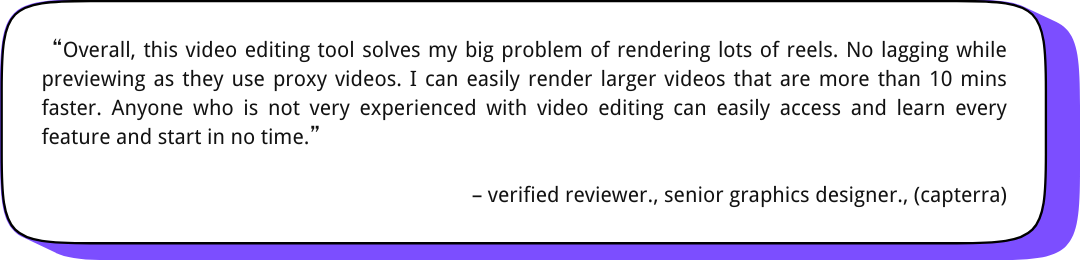
User Review
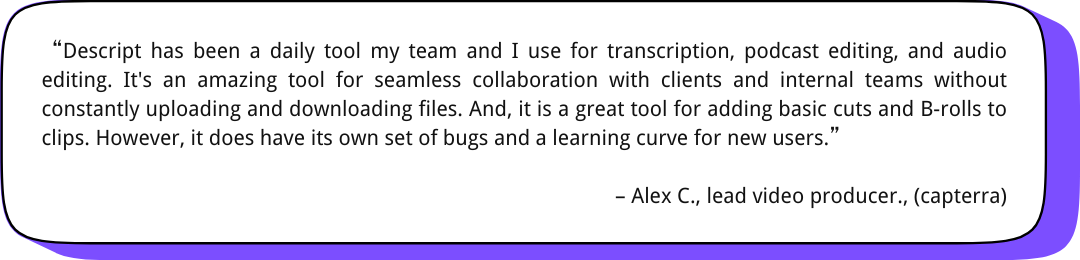
Descript: Ideal for Podcasters & Interviewers
Descript streamlines video editing by letting you work directly with an automatic transcript. It's like editing a document – cut, rearrange, and refine content with ease. This makes it ideal for definite, efficient workflows, especially for tutorials and interviews.
Features
- Text-Based Video Editing: It transcribes your recordings, allowing you to edit by modifying the text.
- AI-Powered Studio Sound: Its AI tools remove background noise and echo with just one click. Detecting and deleting filler words can help you achieve professional quality. You don't need expensive equipment or complicated techniques.
- Automated Multicam Editing: You can create engaging and dynamic videos with multiple cameras. Descript helps you focus on the active speaker by switching between angles.
- Overdub: It also allows you to modify parts in your recordings using your voice or its AI voice cloning.
Pricing
- Free: Basic AI suite with limited features.
- Hobbyist: $19/month - basic AI features.
- Creator: $35/month - advanced AI features.
- Business: $50/month - full AI suite.
Rating
G2: 4.6/5.0 (500+ Reviews)
Capterra: 4.8/5.0 (150+ Reviews)
User Review
Synthesia.io: Perfect for Tutorials or Explainer Videos
Synthesia.io is an AI video creation tool with avatars and voiceovers for YouTubers looking to avoid filming. By inputting text, videos are generated without actors and cameras.
Features
- AI Avatars: With a collection of over 230 AI avatars, it provides a wide variety of options across ethnicity, age, and style. You can even create a digital twin to mirror your appearance and voice while adjusting its outfits and backgrounds to fit your preferences.
- AI Voices: The platform offers AI voices in multiple accents and languages. You can even clone your own voices for a personalized feel.
- Video Templates: It provides template videos for explainers, product demos, and social content. Avatars, music, and backgrounds can be tailored for a polished, personalized result.
- AI Screen Recorder and Transcription: The AI screen recorder captures screen activity and generates a voiceover from text input. It also offers automatic transcription, facilitating captions or subtitles.
- Multilingual Video Player: With built-in language detection, the video player displays the correct subtitles for each viewer.
Pricing
- Free: $0/month - Basic features, 1 editor, 9 AI avatars, 36 minutes/year.
- Starter: $29/month - Advanced features, 1 editor, 3 guests, 125+ AI avatars, 120 minutes/year.
- Creator: $89/month - Full suite of features, 1 editor, 5 guests, 180+ AI avatars, 360 minutes/year.
Rating
G2: 4.7/5.0 (1600+ Reviews)
Capterra: 4.7/5.0 (150+ Reviews)
User Review
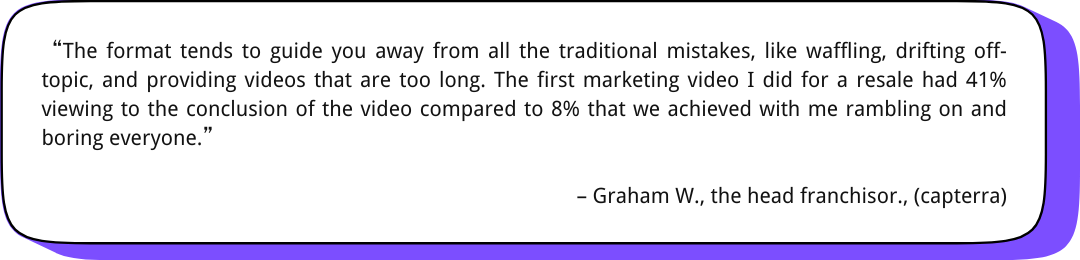
TubeBuddy: Suits YouTube Channel Optimization
TubeBuddy functions as a browser extension integrated with YouTube. It provides various tools for optimizing videos and managing channels. With its AI features, you can streamline your workflow directly on YouTube.
Features
- Title Generator: Analyzes your video and suggests optimized titles based on keywords and audience trends.
- Thumbnail Analyzer: Predicts your thumbnail's success by comparing it with top-performing thumbnails in your niche. Then, it provides suggestions to improve your thumbnail.
- Suggested Shorts: Identifies engaging segments within your videos and recommends them as potential YouTube Shorts.
- SEO Studio: Optimizes video metadata for improved search visibility. It recommends relevant keywords, checks tag usage, and helps you craft compelling descriptions.
Pricing
- Free: $0/month - Basic features.
- Pro: $10/month - Advanced growth tools.
- Legend: $40/month - All tools, predictive analytics.
- Enterprise: Custom pricing - For brands - includes all features and dedicated support.
Rating
G2: 4.4/5.0 (40+ Reviews)
Capterra: 4.6/5.0 (100+ Reviews)
User Review
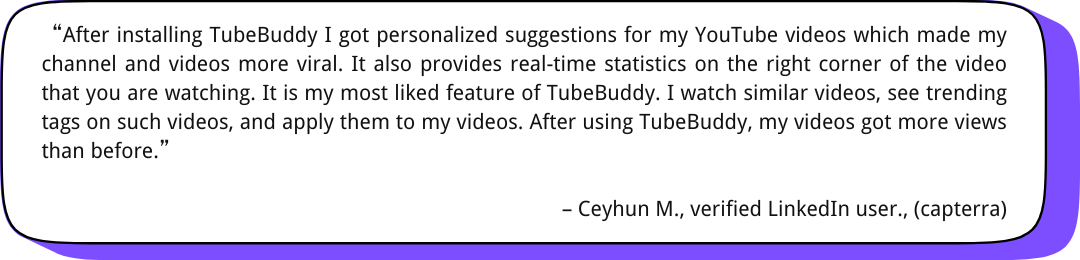
Lumen5: Best for Turning Text into Videos

With its AI tools, Lumen5 makes video production a breeze for marketers and content creators. It helps you turn text from blogs and scripts into engaging videos, even without advanced editing skills.
Features
- AI Script Composer: Fetches text from URLs or documents to create video scripts, offering various length and tone options.
- Text-to-Video Conversion: Pull content from links or write your own to transform text into video.
- AI-Powered Video Editing: Its simple drag-and-drop editor lets you customize videos. You can use music, voiceovers, branding elements, stock footage, etc.
- Talking Head Video Creator: Record yourself with built-in teleprompter support. Plus, you can add callouts and visual overlays for a professional look
- AI Voiceover: Automatically generate voiceovers in various languages and accents.
Pricing
- Community: Free -Limited features.
- Basic: $14.50/month - For creating simple unbranded videos.
- Starter: $39.50/month - For individual content creators.
- Professional: $99.50/month - For professional video storytellers.
Rating
G2: 4.5/5.0 (40+ Reviews)
Capterra: 4.6/5.0 (130+ Reviews)
User Review
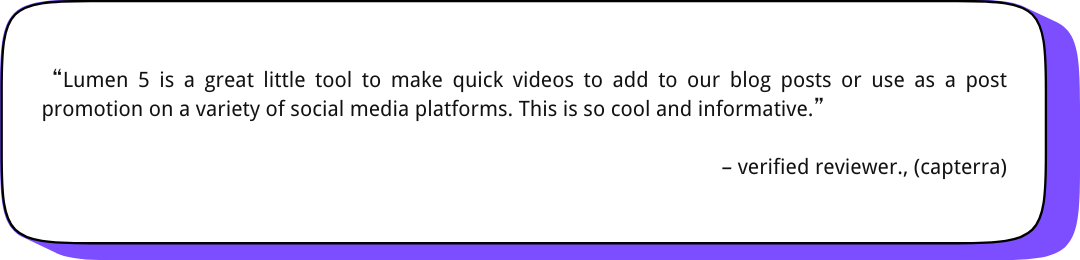
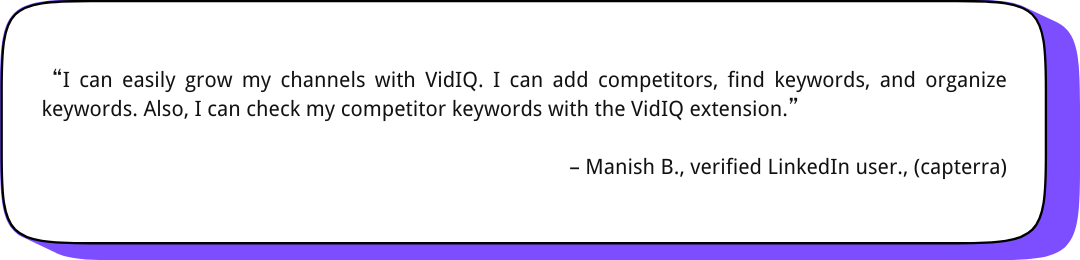
VidIQ: Perfect for YouTube Analytics and Competitor Analysis
VidIQ offers insights and recommendations to optimize videos, engage viewers, and surpass competitors. It provides a full suite of tools to help you understand your audience, improve your content, and grow your channel.
Features
- Keyword Research Tool: Identifies keywords with high search volume and low competition to optimize video titles, tags, and descriptions.
- Competitor Analysis: Analyze successful YouTube channels to find trending topics, popular formats, and engagement strategies. It can refine your content strategy.
- Channel Audit Tools: Assess your channel's performance to identify improvement areas, highlight successful content, and provide specific recommendations. It also supports content optimization and overall strategy.
- Compare Views: Evaluate your video performance against other videos, channels, or playlists. Track view rates and analyze metrics to understand your content's performance.
Pricing
- Free: Basic tools.
- Boost Plan: $49/month - Unlimited inspiration, video optimization, masterclasses, instant channel audit, and AI coaching.
- Coaching Plan: $99.50/month - For professional video storytellers.
Rating
G2: 4.5/5.0 (30+ Reviews)
Capterra: 4.4/5.0 (50+ Reviews)
User Review
Final Thoughts
| Feature | Filmora | Descript | Synthesia | TubeBuddy | Lumen5 | VidIQ |
| Primary Function | AI-powered video editing | Text-based video & audio editing | AI avatar video generation | YouTube optimization & management | Text-to-video conversion | YouTube analytics & optimization |
| Key AI Features | AI Copilot, Smart Masking, Text-to-Video, AI Music Generator | Transcription, Studio Sound, Overdub | AI avatars, AI voices, video templates | Title Generator, Thumbnail Analyzer, SEO Studio | Script Composer, Text-to-video, AI voiceover | Keyword research, competitor analysis, channel audit |
| Best For | Beginners to professionals seeking efficient editing | Clear communication, tutorials, interviews | Explainer videos, product demos, presentations | Optimizing video metadata and channel growth | Repurposing written content, creating videos from text | Understanding the audience, improving content strategy |
| Pricing (starting) | Free | Free | Free | Free | Free | Free |
| User-Friendliness | High | Moderate | High | Moderate | High | Moderate |
These AI tools for YouTubers improve content creation efforts. They all can help you streamline video editing and boost audience reach.
Every tool has unique strengths, making it essential to evaluate your goals. I especially love Filmora because its AI features, like auto-reframe and background remover, save me time and make my videos look professional.
Free trials are a great way to test what works best for your needs and budget. So, try them for your workflow and prioritize creating content you’re passionate about.

 Recent Articles